Apple Accessibility
Verified working Oct 7, 2026
A guide to built-in assistive features across Apple devices.
Apple Accessibility is Apple’s hub for the assistive features built into iPhone, iPad, Mac, Apple Watch, AirPods, and related services. It explains tools for vision, hearing, speech, mobility, and cognitive access, with setup paths for features such as Magnifier, Live Listen, Personal Voice, captions, and hearing support.
Why it stands out
- Covers accessibility features across Apple’s hardware ecosystem rather than a single app or device.
- Many tools are built into the operating systems, reducing the need to find separate assistive apps.
- Setup guidance is organized by compatible device, which helps users avoid irrelevant instructions.
- Combines mainstream device features with more specialized assistive workflows such as Personal Voice and hearing-device support.
Good to know
- Most features require Apple hardware, and some require specific accessories such as AirPods, Beats headphones, or Made for iPhone hearing devices.
- Availability can differ by region, language, operating system version, and device model.
- Some hearing health features are limited to specific AirPods Pro generations and paired Apple devices.
Photos
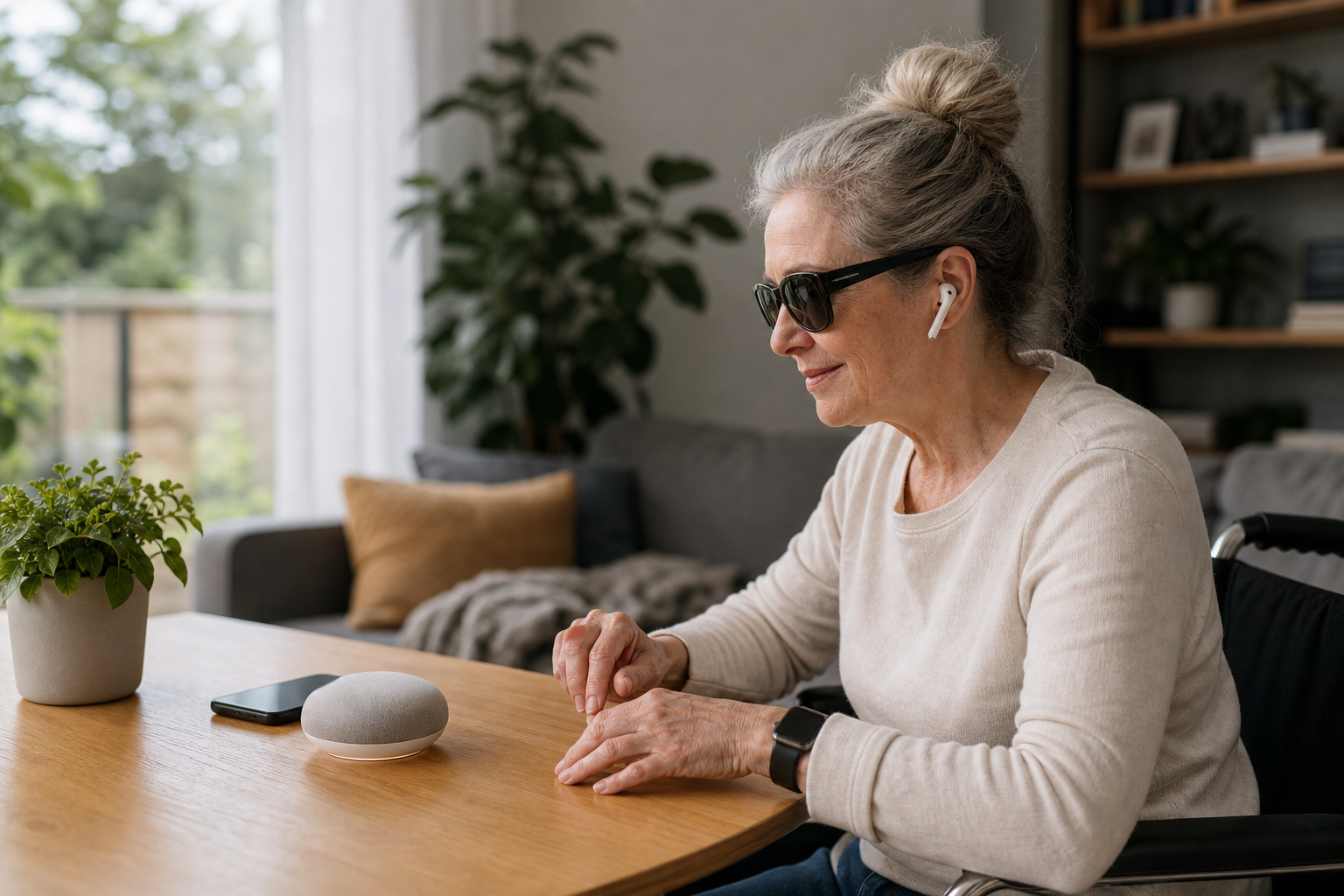
Apple device users with vision, hearing, speech, mobility, or cognitive access needs can find which built-in features fit their daily workflows. Zoom in on menus, signs, whiteboards, or printed documents using Magnifier and Reader Mode. Use AirPods, iPhone, iPad, or Apple Watch to improve listening in conversations or view live captions. Create a synthetic personal voice for typed speech if voice loss is a concern. Compare accessibility options across iPhone, iPad, Mac, Watch, AirPods, and hearing devices.
Feature explanations for vision, hearing, speech, mobility, and cognitive accessibility; device-specific setup links; Magnifier with camera-based zoom and document reading support; Live Listen and Live Captions workflows; AirPods Pro hearing health tools; Personal Voice and Live Speech integration; notes on regional and language availability.
Alternative listings
Built-in Windows tools for vision, hearing, mobility, and focus needs.
Accessibility & assistive technology resourcesMicrosoft’s Windows 11 accessibility page explains the assistive features included in the operating system and links to support guides for using them. It covers tools for screen reading, magnification, color and contrast adjustment, captions, speech control, input alternatives, and learning-related needs.
0 votesVisit siteBraille display access for Linux and Unix text consoles.
Accessibility & assistive technology resourcesBRLTTY is a system daemon that lets blind users read and navigate Linux/Unix text consoles through a refreshable braille display. It supports screen review, virtual terminals, cursor routing, braille translation options, cut-and-paste, and some basic speech output for console-based work.
0 votesVisit site
Similar sites elsewhere
- Microsoft Accessibility — microsoft.com/accessibility
- Google Accessibility — support.google.com/accessibility
- Android Accessibility — android.com/accessibility
- Samsung Accessibility — samsung.com/us/accessibility
1 of 4