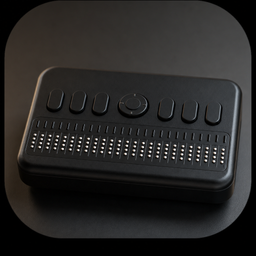
BRLTTY
Verified working Oct 7, 2026
Braille display access for Linux and Unix text consoles.
BRLTTY is a system daemon that lets blind users read and navigate Linux/Unix text consoles through a refreshable braille display. It supports screen review, virtual terminals, cursor routing, braille translation options, cut-and-paste, and some basic speech output for console-based work.
Why it stands out
- Designed for pre-login and low-level console access, not just graphical desktop sessions.
- Handles Linux virtual terminals and console modes beyond standard 80x25 layouts.
- Includes braille-specific command workflows such as cursor routing and rectangular cut-and-paste.
- Modular driver approach makes it extensible for additional braille displays and speech synthesizers.
- BrlAPI gives other assistive applications a way to send braille output without managing device details directly.
Good to know
- Focused on Linux/Unix text-mode console access rather than general graphical desktop screen reading.
- Speech support is described as basic, so users needing full speech-first workflows may need another screen reader.
- Effective use depends on compatible braille display hardware and console-oriented workflows.
Photos
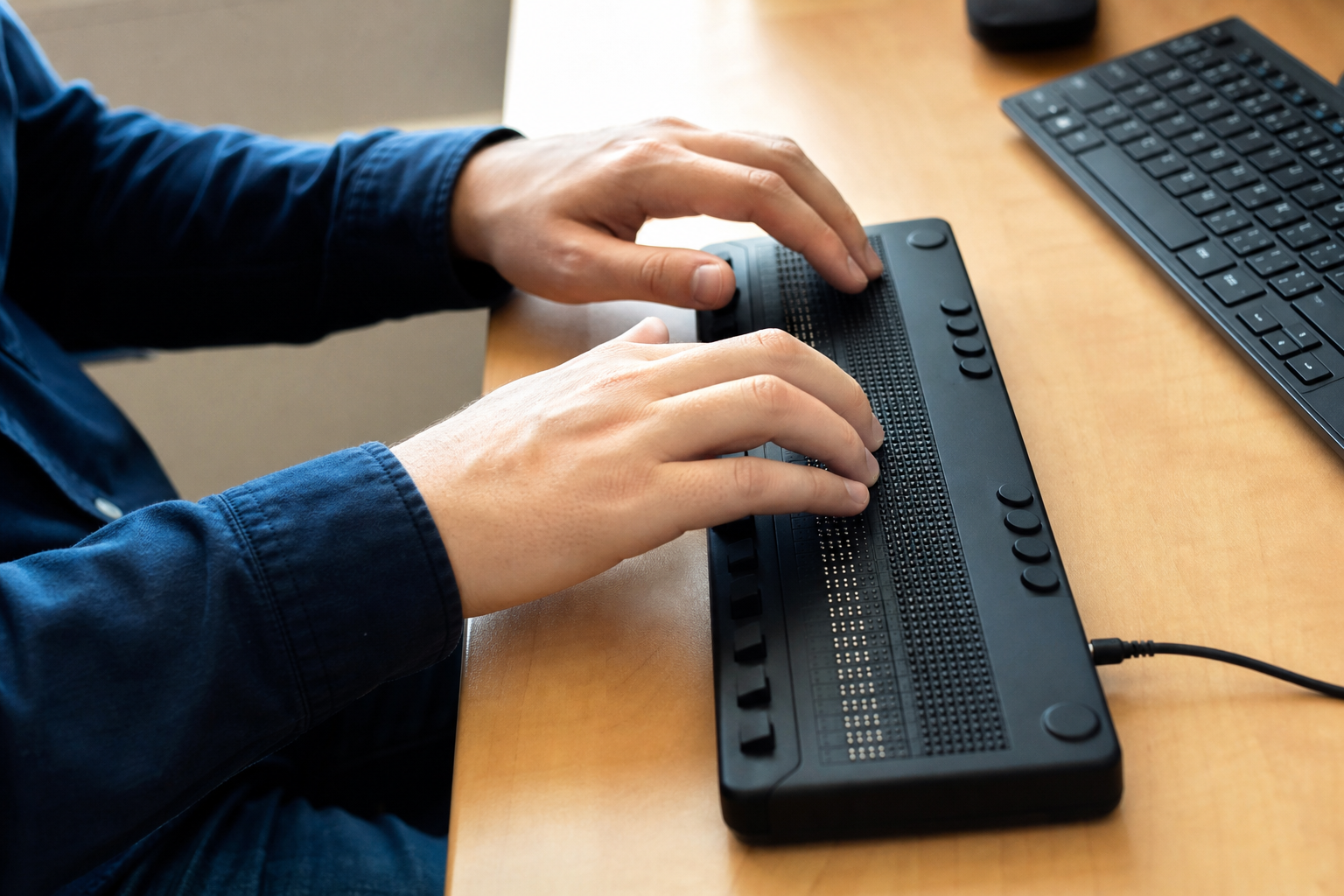
Blind Linux/Unix users and administrators can operate text-mode consoles, log in, and review system messages through braille. Use multiple virtual terminals while keeping full console review available. Copy long filenames, commands, or blocks of text between terminal sessions. Work in text editors, browsers, and command-line tools using cursor routing from the braille display.
Runs as a background daemon that can start at boot; screen review for Linux/Unix text consoles; support for refreshable braille displays; virtual terminal support; cursor style and highlighting options; screen freeze; cursor routing; linear and rectangular cut-and-paste; table-driven contracted braille for several languages; multiple braille code support; character identification; online help and preferences; basic speech support; modular driver architecture.
Alternative listings
Built-in Windows tools for vision, hearing, mobility, and focus needs.
Accessibility & assistive technology resourcesMicrosoft’s Windows 11 accessibility page explains the assistive features included in the operating system and links to support guides for using them. It covers tools for screen reading, magnification, color and contrast adjustment, captions, speech control, input alternatives, and learning-related needs.
0 votesVisit siteProduct-specific accessibility guidance across Google apps and devices.
Accessibility & assistive technology resourcesGoogle Accessibility Help is Google’s central support hub for using accessibility features in its products. It organizes help articles for Android, Chrome, Google Docs and Drive, Gmail, Meet, Chromebook, YouTube, Pixelbook, Pixel Slate, and other Google services, alongside options for community help and disability support contacts.
0 votesVisit site


Similar sites elsewhere
- Orca — wiki.gnome.org/Projects/Orca
- NV Access — nvaccess.org
- Speakup — linux-speakup.org
- JAWS — freedomscientific.com/products/software/jaws
1 of 4