ColorBliss
Verified working Oct 3, 2026
An AI tool for making printable coloring pages from prompts or photos.
ColorBliss turns written ideas, uploaded photos, or rough sketches into black-and-white coloring pages that can be printed at home or used in classrooms. It also supports coloring-book workflows, word-art pages, consistent characters, and in-app coloring styles for finished examples.
Why it stands out
- Supports prompts, photos, and rough sketches rather than only text prompts.
- Downloads are positioned for printing, including PDF/PNG output and 300 DPI files.
- Includes tools beyond line art, such as word art, in-app coloring, and consistent characters for book projects.
- Commercial licensing is available on higher creator plans for books and shops.
Good to know
- The free demo is intentionally limited; saving more pages requires creating an account.
- Commercial use is not included on every plan and starts with the Artist plan or above.
- The basic on-page demo uses a simplified standard style rather than the full set of creation options.
Under the radar: After generating without an account, check the “Recent creations” area on the same device; successful pages can remain available locally even before you sign up.
Photos
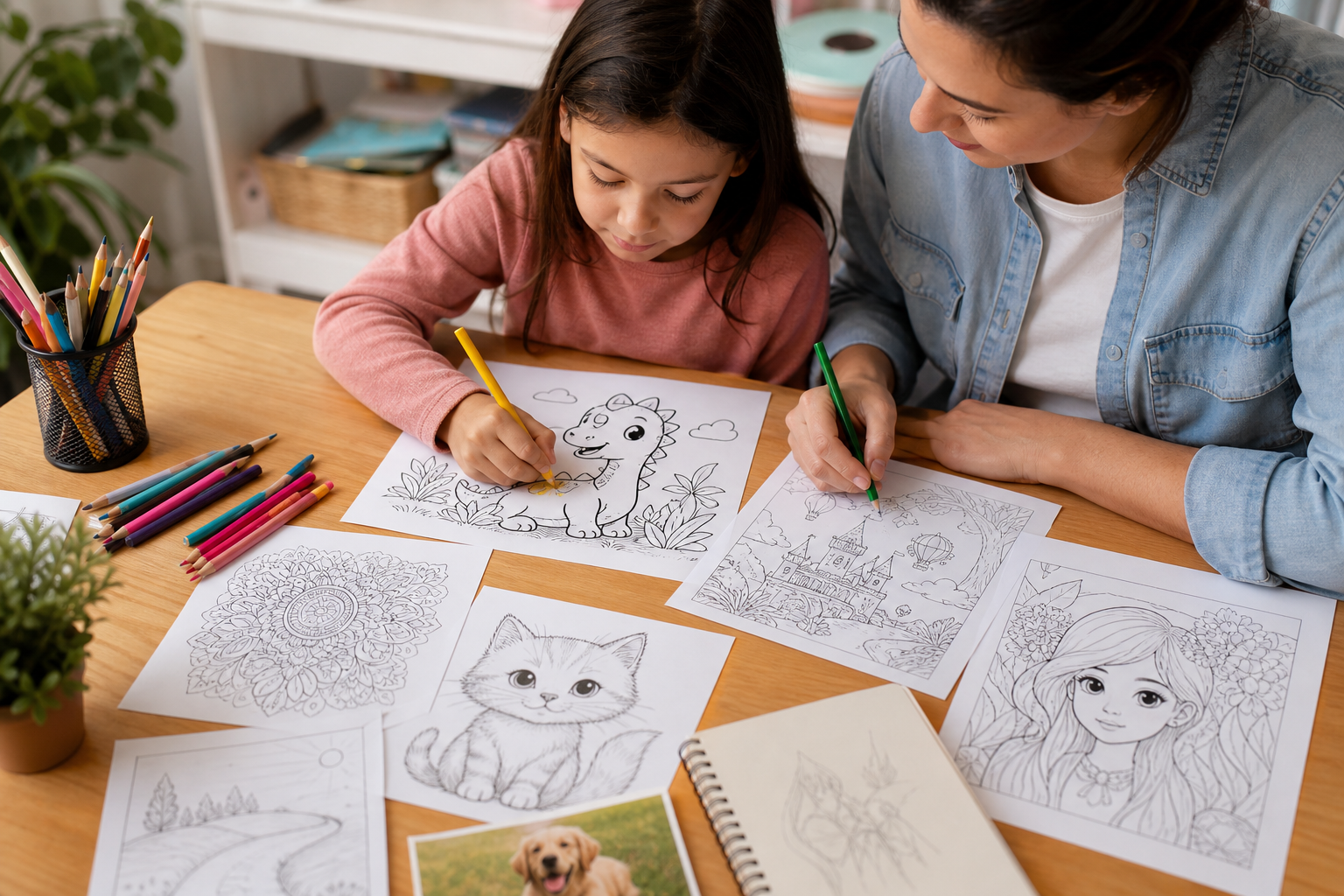
Teachers and parents can quickly create custom coloring sheets for lessons, parties, travel, or quiet activities. Turn a family photo, pet picture, or keepsake image into printable line art. Generate themed pages for birthdays, holidays, classroom units, or homeschool activities. Create a set of related pages for a coloring book or printable product.
Prompt-to-coloring-page generation; photo-to-line-art conversion; sketch cleanup; PNG and PDF downloads at 300 DPI; portrait and square formats; word-art generators; consistent-character support for series; Magic Color styles such as watercolor, marker, crayon, pastel, and colored pencil.
Alternative listings
Original printable coloring pages with browser-based art puzzles.
EducationGoozle Studios offers a small collection of original line-art coloring pages that can be printed or downloaded for free. The site also includes online jigsaw-style puzzles based on its full-color artwork, with no account required and no ads on the site.
0 votesVisit siteTurns personal photos into printable AI-generated coloring sheets.
EducationiColoring AI’s image converter transforms uploaded photos into black-and-white coloring pages that can be downloaded for printing. It supports common image formats and offers several visual styles, including cartoon, sketch, and portrait-like line art.
0 votesVisit site
Similar sites elsewhere
- Mimi Panda — mimi-panda.com
- Canva — canva.com
- Adobe Express — adobe.com/express
1 of 4