CPU-Z Guide
Verified working Sep 18, 2026
A practical walkthrough for reading CPU-Z hardware reports.
CPU-Z Guide explains how to download and use CPU-Z to identify PC components, interpret each tab, create validation links, and troubleshoot common readings. It is aimed at hardware buyers, overclockers, upgrade planners, and support helpers who need reliable CPU, motherboard, and memory details without relying on vague system labels.
Why it stands out
- Combines download guidance, tab interpretation, validation, and troubleshooting in one focused CPU-Z reference.
- Explains not just what values mean, but why users are commonly asked for specific CPU-Z tabs in forums and support threads.
- Clearly separates CPU-Z’s hardware-identification role from monitoring tools that track temperatures, fans, voltages, or storage health.
- Includes practical sharing advice such as which tabs to capture and what sensitive details to hide before posting screenshots.
- Covers multiple builds, including portable Windows, Android, and ARM64/Snapdragon variants.
Good to know
- CPU-Z is for hardware identification, not temperature, fan-speed, storage-health, network, or live voltage monitoring.
- Laptop systems may report reduced clocks on battery, and soldered RAM can limit what SPD information is visible.
- Very new processors or boards may need the latest CPU-Z build before names and readings appear correctly.
- The main desktop build is Windows-focused, with separate Android and Snapdragon/ARM64 versions rather than one universal app.
Under the radar: For RAM troubleshooting, capture the Memory tab plus the SPD tab for each populated slot; the slot dropdown can reveal mismatched modules or missing XMP/EXPO profiles that one summary screenshot would hide.
Photos
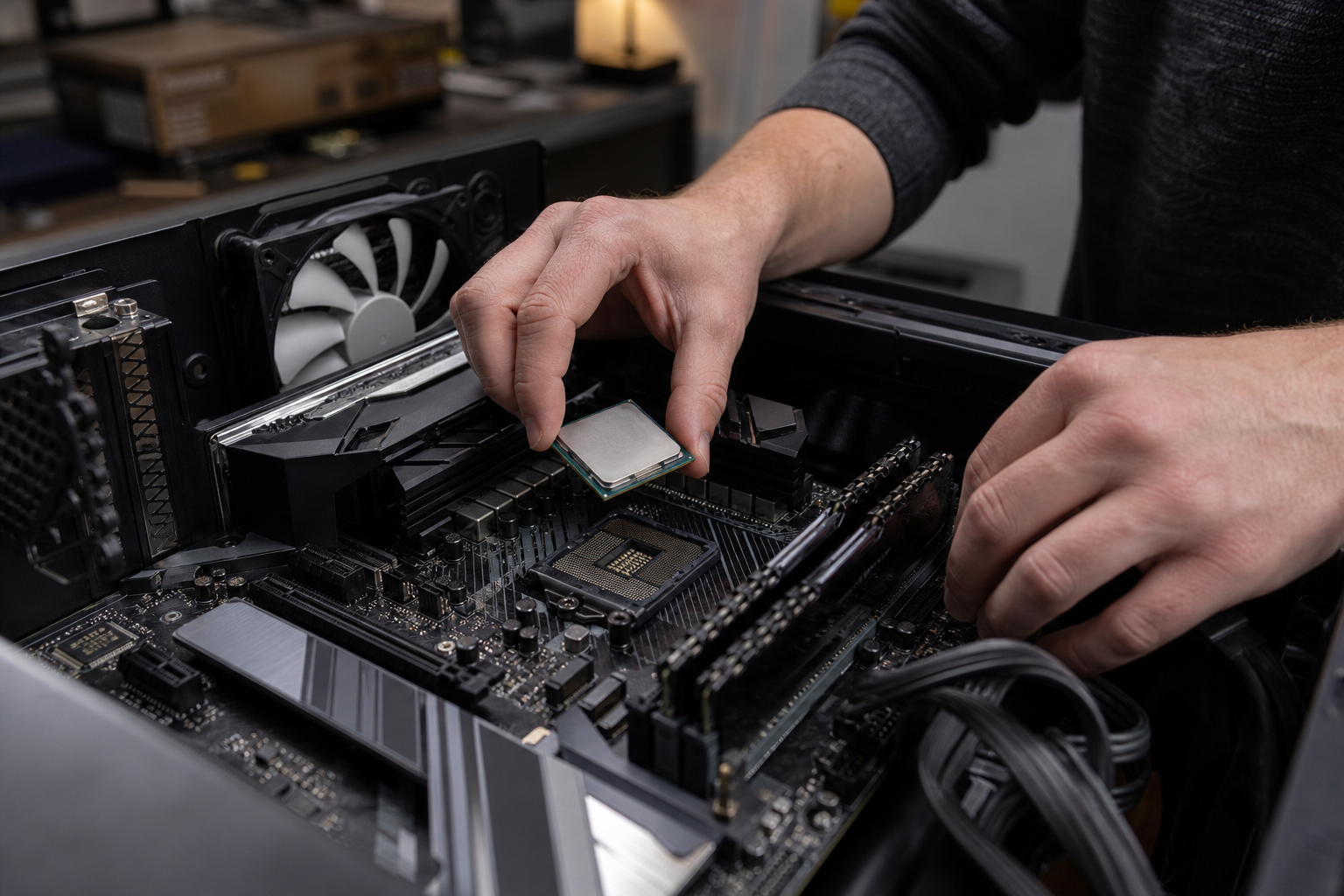
PC buyers, sellers, and support volunteers use it to verify hardware specs with clean CPU-Z screenshots and reports. Check whether RAM is running at the expected DDR speed and XMP/EXPO profile. Confirm motherboard socket, chipset, BIOS, and memory type before an upgrade. Create validation links or screenshots for benchmark records, RMA claims, or forum help. Learn why readings such as half-speed DRAM or idle clock drops are usually normal.
Guides to CPU, Mainboard, Memory, SPD, GPU, cache, bench, and validation views; Windows installer and portable-build notes; Android and ARM64/Snapdragon build references; screenshot, clipboard, and text/HTML report tips; troubleshooting explanations for common CPU-Z misunderstandings.
Technical Notes
- CPU-Z can generate text and HTML reports from the utility, useful for sharing structured system details outside screenshots.
Alternative listings
A Windows disk utility for resizing partitions and checking drive health.
Open Source & Free Software AlternativesMiniTool Partition Wizard Free is a desktop partition and disk management tool for Windows PCs. It handles common storage tasks such as creating, formatting, resizing, splitting, merging, wiping, and copying partitions, and also includes utilities for BitLocker drive handling, disk benchmarking, duplicate cleanup, and space analysis.
0 votesVisit siteA command-line converter spanning Markdown, Word, HTML, PDF, and more.
Open Source & Free Software AlternativesPandoc is a free, open-source document conversion tool for moving content among markup, word processor, ebook, slide, notebook, bibliography, and publishing formats. It is especially strong for Markdown-centered workflows, with support for citations, math, templates, filters, custom readers/writers, and use as either a command-line program or Haskell library.
0 votesVisit site

Similar sites elsewhere
- HWiNFO — hwinfo.com
- Speccy — ccleaner.com/speccy
- AIDA64 — aida64.com
- Open Hardware Monitor — openhardwaremonitor.org
1 of 5