
Google Accessibility Help
Product-specific accessibility guidance across Google apps and devices.
Google Accessibility Help is Google’s central support hub for using accessibility features in its products. It organizes help articles for Android, Chrome, Google Docs and Drive, Gmail, Meet, Chromebook, YouTube, Pixelbook, Pixel Slate, and other Google services, alongside options for community help and disability support contacts.
Why it stands out
- Covers accessibility settings across a wide range of Google products in one support hub.
- Combines need-based navigation with product-by-product troubleshooting, which helps users start from either their disability-related need or the app they are using.
- Includes support paths beyond documentation, such as the Google Disability Support team, community forums, and ASL specialist help.
- Provides practical guidance for both personal users and Google Workspace/admin contexts.
Good to know
- Focused on Google-owned apps, services, and devices rather than general accessibility tools across all platforms.
- Instructions may depend on the exact product, operating system, or device version a user has.
- Some issues may require contacting support or asking the community rather than being solved directly from the help articles.
Under the radar: If you are not sure which app-specific setting to search for, start with the “Accessibility for individual needs” sections; they group guidance by need type before sending you into individual Google products.
Photos
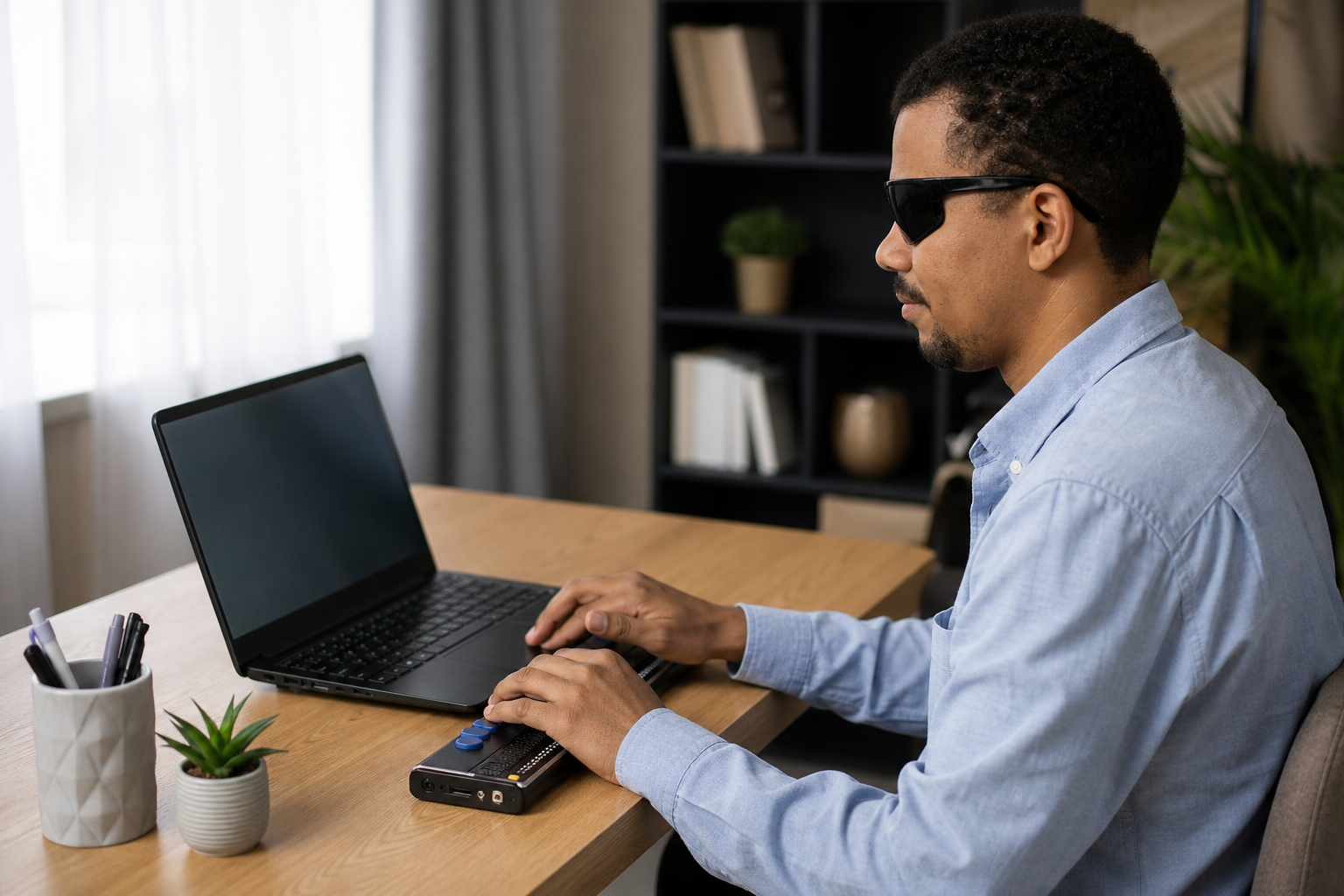
Google product users with vision, hearing, mobility, speech, cognitive, or learning needs can find setup and troubleshooting guidance for the apps and devices they already use. Look up how to turn on TalkBack, captions, magnification, Switch Access, voice typing, or screen-reader support. Find product-specific instructions for using Docs, Sheets, Slides, Drive, Gmail, Meet, Calendar, Chrome, YouTube, and Chromebooks with assistive technology. Connect with Google’s disability support resources, accessibility community, or ASL specialist support when articles are not enough.
Searchable accessibility help center; topic pages grouped by need and by Google product; instructions for screen readers, braille displays, captions, zoom, keyboard navigation, Switch Access, voice input, and display settings; links to disability support, community help, ASL support, and Be My Eyes app instructions; available in many interface languages.
Alternative listings
Assistive tech shop for AAC, switches, sensory gear, and adapted toys.
Accessibility & assistive technology resourcesInclusive Technology is an online supplier of assistive technology for education, care, communication, access, and sensory support. Its catalogue spans AAC devices, adaptive keyboards and mice, switch access equipment, eye-gaze systems, mounting hardware, software, iPad accessories, and switch-adapted toys.
0 votesVisit siteA no-cost Windows screen reader with legacy OS and MSI deployment support.
Accessibility & assistive technology resourcesThunder is a free desktop screen reader for blind users on Microsoft Windows. The download page provides end-user installers, network-deployable MSI packages, USB versions, documentation, audio guides, and scripting references, with the WebbIE accessible internet tools bundled alongside it.
0 votesVisit site
Similar sites elsewhere
- Microsoft Accessibility — microsoft.com/accessibility
- Apple Accessibility Support — support.apple.com/accessibility
- W3C Web Accessibility Initiative — w3.org/WAI
1 of 5