GParted
Verified working Sep 16, 2026
A bootable open-source partition editor for resizing and moving drives.
GParted is a free graphical tool for managing disk partitions, including creating, deleting, resizing, moving, labeling, and copying partitions. It supports many common Linux, Windows, and Unix-style file systems and can be run from GParted Live media on x86-64 computers.
Why it stands out
- Runs as free software under the GNU GPL, so it can be used, shared, studied, and modified without payment.
- GParted Live lets the tool be used on machines that normally run Linux, Windows, or macOS, without needing a native install on those systems.
- Covers an unusually wide range of file systems for a graphical partition manager.
- Focused specifically on partition operations rather than bundling unrelated system-maintenance features.
Good to know
- GParted Live is described for x86-64 based computers, so other hardware architectures may not be supported by that route.
- A minimum of 1 GB of RAM is required to use all application features.
- Supported actions vary by file system, so users should check the detailed feature matrix before planning a specific operation.
- Using it on Windows or macOS systems generally means booting from external GParted Live media rather than running it as a standard native app.
Photos
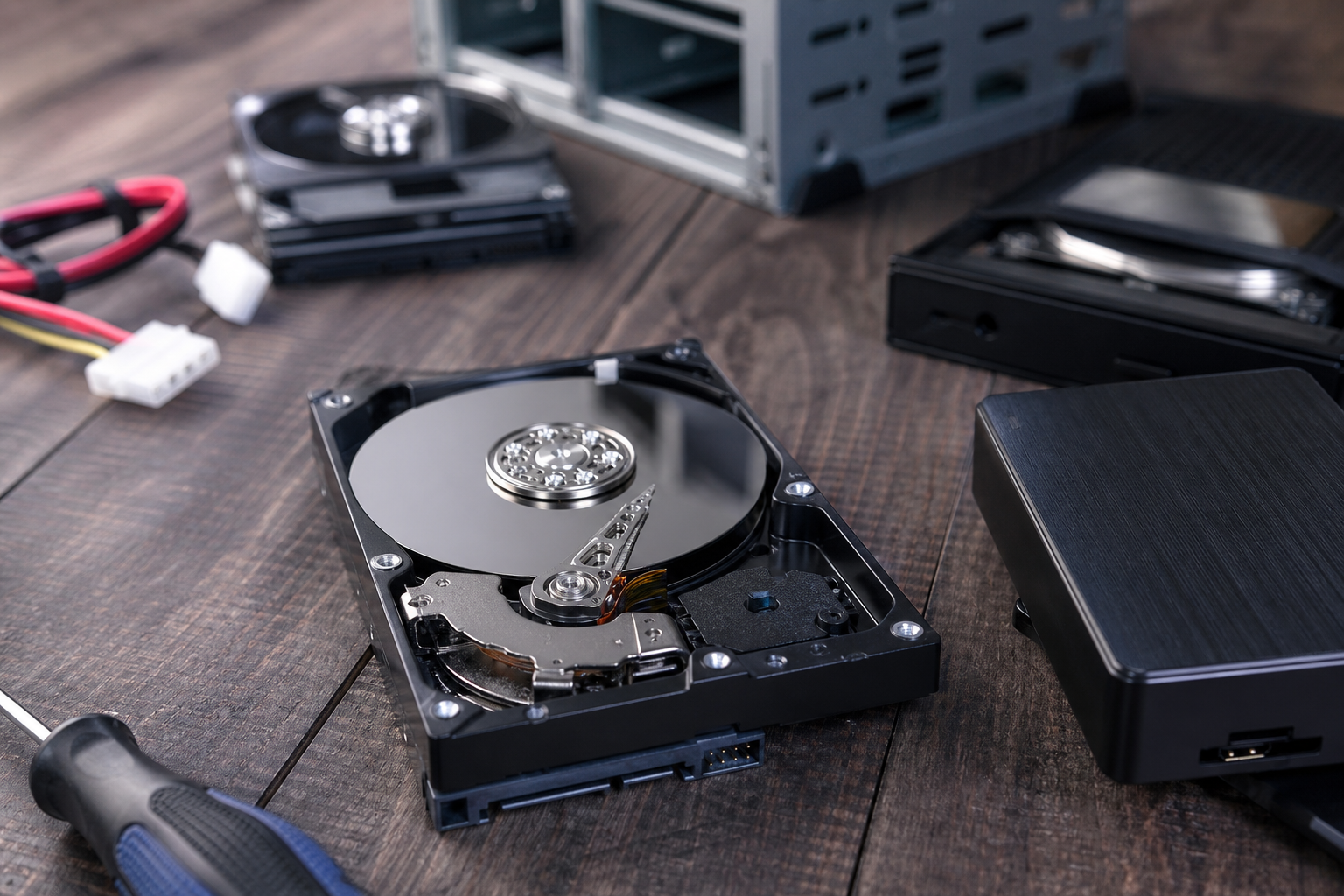
Linux users, repair technicians, and system administrators can adjust partition layouts without relying on a commercial disk utility. Expand or shrink an operating-system partition after changing drive space needs. Prepare free space for installing another operating system. Create a shared data partition usable across multiple operating systems. Inspect and modify partition labels, UUIDs, and supported file-system settings.
Graphical partition editing; create, delete, resize, move, check, label, copy, and paste operations; UUID changes; broad file-system coverage including ext2/3/4, NTFS, FAT16/32, exFAT, Btrfs, XFS, HFS/HFS+, UDF, Linux swap, LVM2 PV, and more; downloadable GParted Live environment for booting from CD/USB.
Alternative listings
A Windows disk utility for resizing partitions and checking drive health.
Open Source & Free Software AlternativesMiniTool Partition Wizard Free is a desktop partition and disk management tool for Windows PCs. It handles common storage tasks such as creating, formatting, resizing, splitting, merging, wiping, and copying partitions, and also includes utilities for BitLocker drive handling, disk benchmarking, duplicate cleanup, and space analysis.
0 votesVisit siteA command-line converter spanning Markdown, Word, HTML, PDF, and more.
Open Source & Free Software AlternativesPandoc is a free, open-source document conversion tool for moving content among markup, word processor, ebook, slide, notebook, bibliography, and publishing formats. It is especially strong for Markdown-centered workflows, with support for citations, math, templates, filters, custom readers/writers, and use as either a command-line program or Haskell library.
0 votesVisit site
Similar sites elsewhere
- KDE Partition Manager — apps.kde.org/partitionmanager
- MiniTool Partition Wizard — partitionwizard.com
- EaseUS Partition Master — easeus.com/partition-manager
1 of 5