KRESKA.art
Verified working Oct 7, 2026
A browser-based painting app with deep brush and reference-tracing tools.
KRESKA.art is a free digital drawing and painting app that runs directly in modern web browsers. It combines a large brush library with reference-image tools, auto color picking, pressure/tilt support, gesture controls, liquify editing, and an AR drawing mode for previewing artwork against a live camera feed.
Why it stands out
- Unusually large brush collection for a no-install browser drawing app.
- Reference workflow is central, with opacity control, instant peek, and auto color transfer while drawing.
- Brush settings are highly configurable, including grain, custom shapes, pressure behavior, stabilizing, blending, and erasing.
- Works across desktop and mobile browsers, making it practical for Chromebooks and classroom devices.
- AR mode goes beyond static image projection by allowing drawing over a live camera view.
Good to know
- Best experience is likely in a modern browser, with Chrome specifically recommended by the site.
- AR drawing depends on having a camera-equipped device and granting browser camera access.
- It is focused on raster drawing and painting rather than full vector design, layout, or professional photo-editing workflows.
Under the radar: The reference “peek” control also doubles as a quick color picker when you press it and move toward the image, which can speed up color sampling without keeping the reference panel open.
Photos
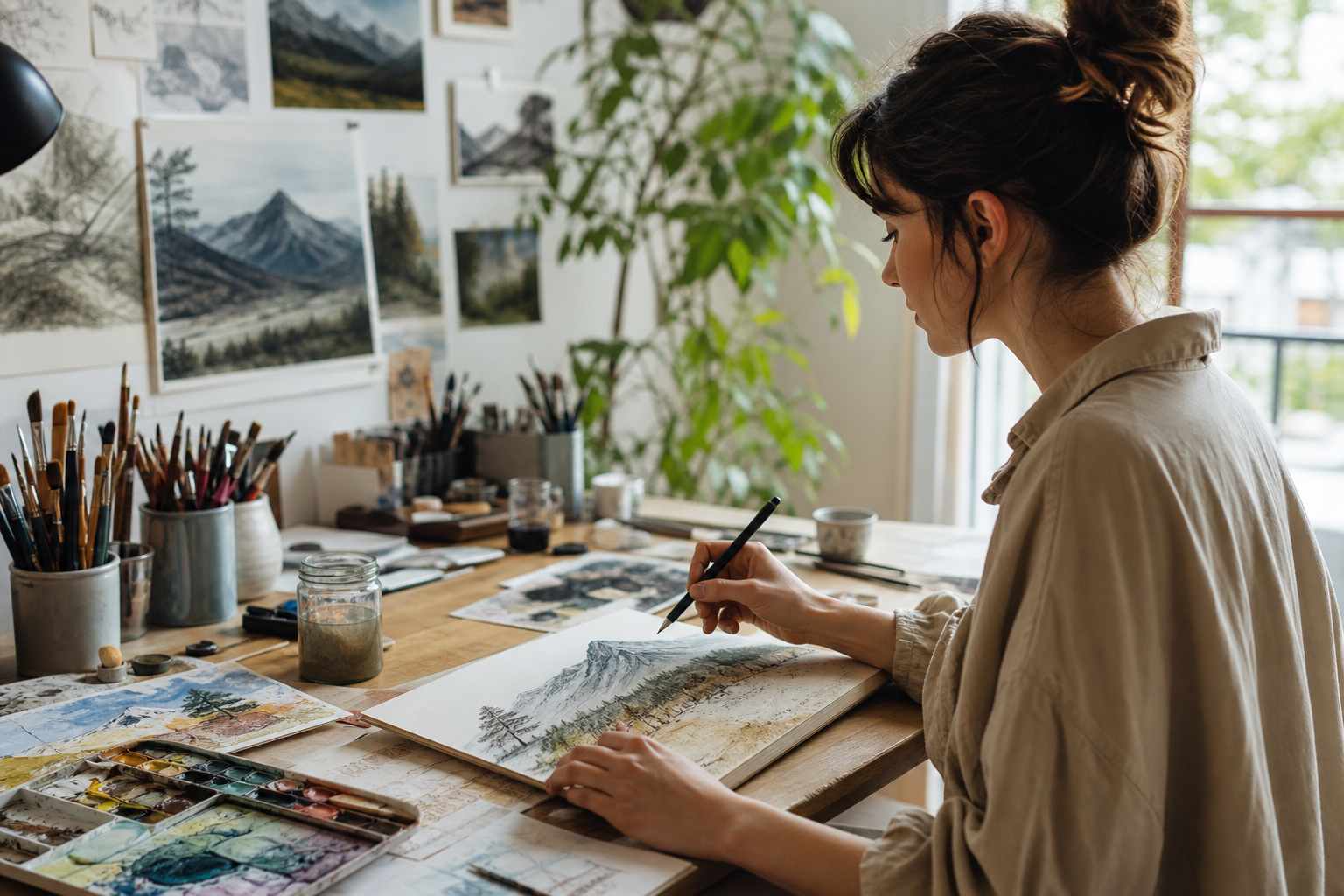
Students, Chromebook users, and digital art beginners can sketch or paint without installing software on shared or low-powered devices. Trace from a reference image while quickly peeking at it or adjusting its opacity. Experiment with charcoal, watercolor, pixel, inking, particle, and texture-heavy brush styles. Preview tattoo, makeup, or design ideas using the AR camera background feature. Use touch gestures on tablets or phones for undo, redo, zoom, rotate, and color picking.
180+ handmade brushes across 12 categories; proprietary browser painting engine; reference overlay and peek button; auto color sampling from reference images; pressure sensitivity, tilt, pressure emulation, stabilizers, erasing, and blending; liquify brush; touch gestures; AR drawing with live camera background support.
Alternative listings
- Underrated Web Tools
GoPDFTools is a browser-based collection of utilities for editing, converting, and optimizing PDF and image files. It includes tools for merging and splitting PDFs, compressing documents and images, converting between image formats, signing PDFs, and exporting PDF pages as images, with many tasks handled locally in the browser.
0 votesVisit site - Underrated Web Tools
iLoveIMG is a browser-based toolkit for common image editing and conversion tasks. It supports bulk actions such as compressing, resizing, cropping, rotating, format conversion, watermarking, background removal, face blurring, and simple photo edits without requiring desktop software.
0 votesVisit site
Similar sites elsewhere
- Kleki — kleki.com
- Sketchpad — sketch.io/sketchpad
- Photopea — photopea.com
- Aggie.io — aggie.io
1 of 5