
NirSoft
Verified working Sep 19, 2026
A long-running library of tiny Windows tools for admin and recovery tasks.
NirSoft hosts a large collection of small freeware utilities for Windows, created by developer Nir Sofer. The tools cover password recovery, network inspection, browser and Outlook data viewing, command-line automation, system diagnostics, startup management, and other technician-oriented tasks.
Why it stands out
- Unusually broad collection of niche Windows utilities from a single long-running developer.
- Tools are small and task-specific, avoiding the bulk of all-in-one maintenance suites.
- Strong coverage of admin and forensic-adjacent tasks such as stored credential recovery, registry scanning, device history, browser data, and network visibility.
- Includes many utilities that expose Windows information not easily reachable through standard control panels.
- The site maintains frequent updates and a weekly refreshed bundle for users who want the full toolkit.
Good to know
- Primarily focused on Windows desktop utilities, so it is not a general cross-platform software collection.
- Freeware does not necessarily mean open source; users who require auditable source code should check each utility’s license and details.
- Some password recovery, sniffing, and system-inspection tools may be flagged by security software and should only be used on systems you are authorized to manage.
- The catalog consists of many separate utilities rather than one integrated application, so choosing the right tool can take some browsing.
Under the radar: If you maintain a technician USB drive, use NirSoft’s weekly updated all-utilities package rather than downloading each tool separately.
Photos
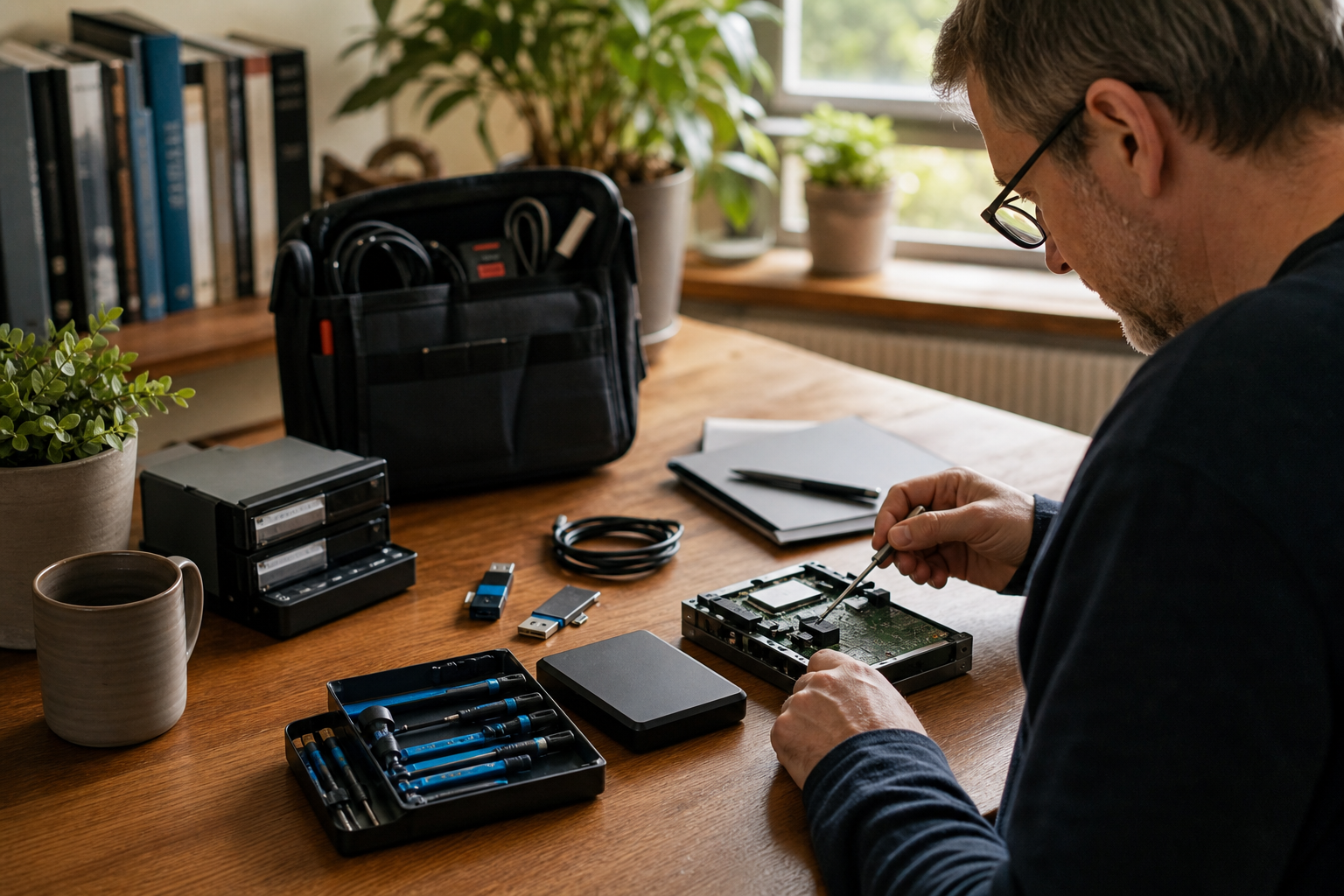
Windows technicians and power users can quickly find single-purpose utilities for troubleshooting, recovery, and system inspection. Recover saved passwords or product keys from a local Windows machine you are authorized to administer. Audit network connections, wireless devices, open ports, browser history, USB devices, startup entries, or crash dumps. Use lightweight command-line tools to automate small Windows desktop and system actions. Build a portable repair toolkit for repeated support work across Windows PCs.
Searchable catalog of freeware utilities organized by password, system, browser, programmer, network, Office/Outlook, 64-bit, forensics, and pre-release sections. Many tools are portable, narrowly focused, and available as individual downloads; examples include CurrPorts, WirelessKeyView, ProduKey, BlueScreenView, SearchMyFiles, ShellExView, USBDeview, and NirCmd.
Alternative listings
A privacy-focused free software OS for desktop and mobile use.
Open Source & Free Software AlternativesPureOS is a free, open-source operating system developed by the Purism community with an emphasis on privacy, security, and software freedom. It is designed for everyday desktop use while also supporting Purism’s convergence approach across computer and mobile form factors.
0 votesVisit siteA Firefox-based browser aimed at customization and privacy.
Open Source & Free Software AlternativesFloorp is a web browser built on Firefox that emphasizes user control, performance, and privacy-conscious browsing. It is positioned as an alternative to mainstream browsers for people who want a familiar Firefox foundation with more customization options.
0 votesVisit site


Similar sites elsewhere
- Microsoft Sysinternals — learn.microsoft.com/sysinternals
- PortableApps.com — portableapps.com
- MajorGeeks — majorgeeks.com
1 of 4