OBS Studio
Verified working Aug 19, 2026
Open-source desktop software for recording and live streaming productions.
OBS Studio is a free, open-source application for capturing, mixing, recording, and broadcasting video and audio. It lets users build productions from scenes containing webcams, windows, browser sources, images, text, capture cards, and other inputs, then stream to services such as Twitch and YouTube or save recordings locally.
Why it stands out
- Fully free and open source, with official builds for Windows, macOS, and Linux.
- Handles complex live productions with scenes, sources, transitions, previewing, and multiview in one desktop app.
- Broad source support covers windows, browser content, webcams, images, text, and capture cards.
- Plugin and scripting architecture gives advanced users room to customize beyond the default interface.
- Designed for both streaming to major platforms and high-quality local recording.
Good to know
- Requires a desktop installation; the page does not present a mobile or browser-based version.
- Current Windows support is listed for Windows 10 and 11, and macOS support requires macOS 12.0 or newer.
- The depth of scene, audio, encoding, and plugin options can require setup time for new users.
Under the radar: For larger setups, undock OBS panels and use Multiview on a second display so you can monitor scenes, audio, and transitions without crowding the main canvas.
Photos
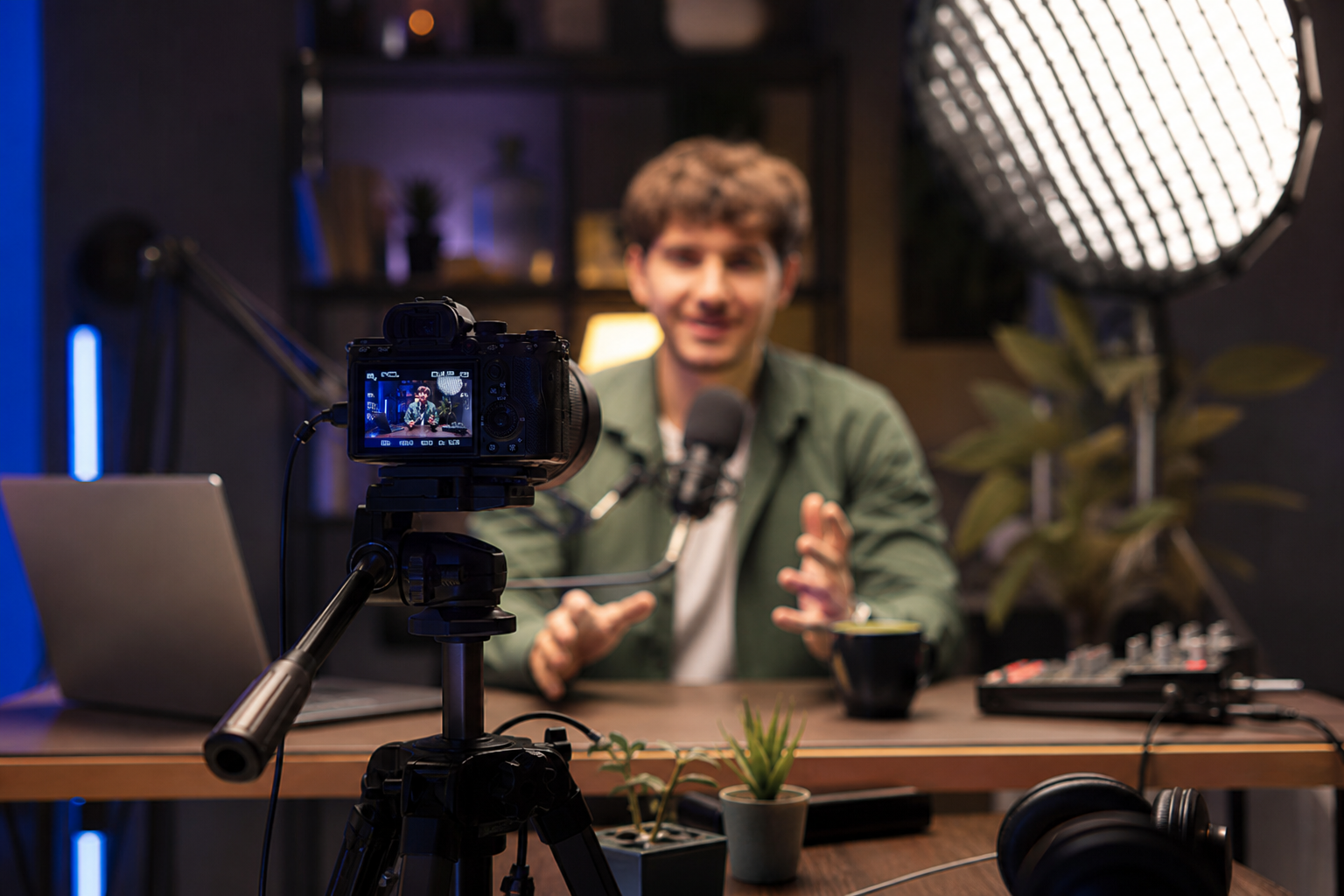
Streamers, educators, and video producers who need a no-cost desktop mixer for live broadcasts and recordings. Build a multi-scene livestream with webcams, screen captures, overlays, and transitions. Record tutorials, presentations, gameplay, or interviews with separate audio controls. Preview changes before going live and switch scenes with hotkeys during a show. Extend a production workflow with community plugins or Lua/Python scripts.
Real-time video/audio capture and mixing; unlimited scenes and custom transitions; per-source audio filters including noise suppression, gate, gain, and VST plugin support; configurable hotkeys; Studio Mode preview; Multiview monitoring for up to 8 scenes; modular dock-based interface; plugin and scripting support.
Alternative listings
A browsable guide to open-source replacements for paid software.
Open Source & Free Software AlternativesOpenSourceAlternative.to is a directory that maps proprietary products to open-source projects that can replace them. It lists hundreds of alternatives across categories such as developer tools, communication, analytics, CRM, e-commerce, databases, and productivity software, with filtering and project-submission options.
0 votesVisit siteA full 3D production suite with modeling, animation, VFX, and rendering.
Open Source & Free Software AlternativesBlender is a free, open-source application for creating 3D models, animations, visual effects, rendered images, and hybrid 2D/3D artwork. It combines tools for modeling, sculpting, UV editing, rigging, motion tracking, drawing, rendering, and pipeline customization in one desktop suite. The project is GPL-licensed and developed publicly with support from a large contributor and industry ecosystem.
0 votesVisit site

Similar sites elsewhere
- Streamlabs Desktop — streamlabs.com
- XSplit Broadcaster — xsplit.com
- vMix — vmix.com
- Wirecast — telestream.net/wirecast
1 of 5