Photopea
Verified working Oct 3, 2026
Browser photo editing with layers, PSD support, and local file handling.
Photopea is a web-based image editor that runs in the browser and handles both simple edits and more advanced design work. It supports layered editing, masks, smart objects, vector graphics, filters, RAW adjustments, and opening or saving PSD files alongside many other formats.
Why it stands out
- Strong PSD compatibility, including both opening and saving layered Photoshop documents.
- Runs locally in the browser, so files are processed on the user’s device rather than uploaded for editing.
- Handles an unusually wide range of raster, vector, design, camera RAW, and document formats in one editor.
- Combines advanced layer-based design tools with quick everyday photo edits in the same web app.
- Works without a heavy desktop installation, making it useful on shared, school, or temporary computers.
Good to know
- Performance depends heavily on the device’s CPU, GPU, memory, and browser because processing happens locally.
- It is primarily an in-browser workflow, so users needing a fully native desktop application may prefer other software.
- Advanced tools such as layers, masks, paths, and smart objects may be more than casual users need for basic edits.
Under the radar: Because editing is local, Photopea can be especially useful for opening a sensitive or very large file just to inspect or convert it without first uploading it to a cloud editor.
Photos
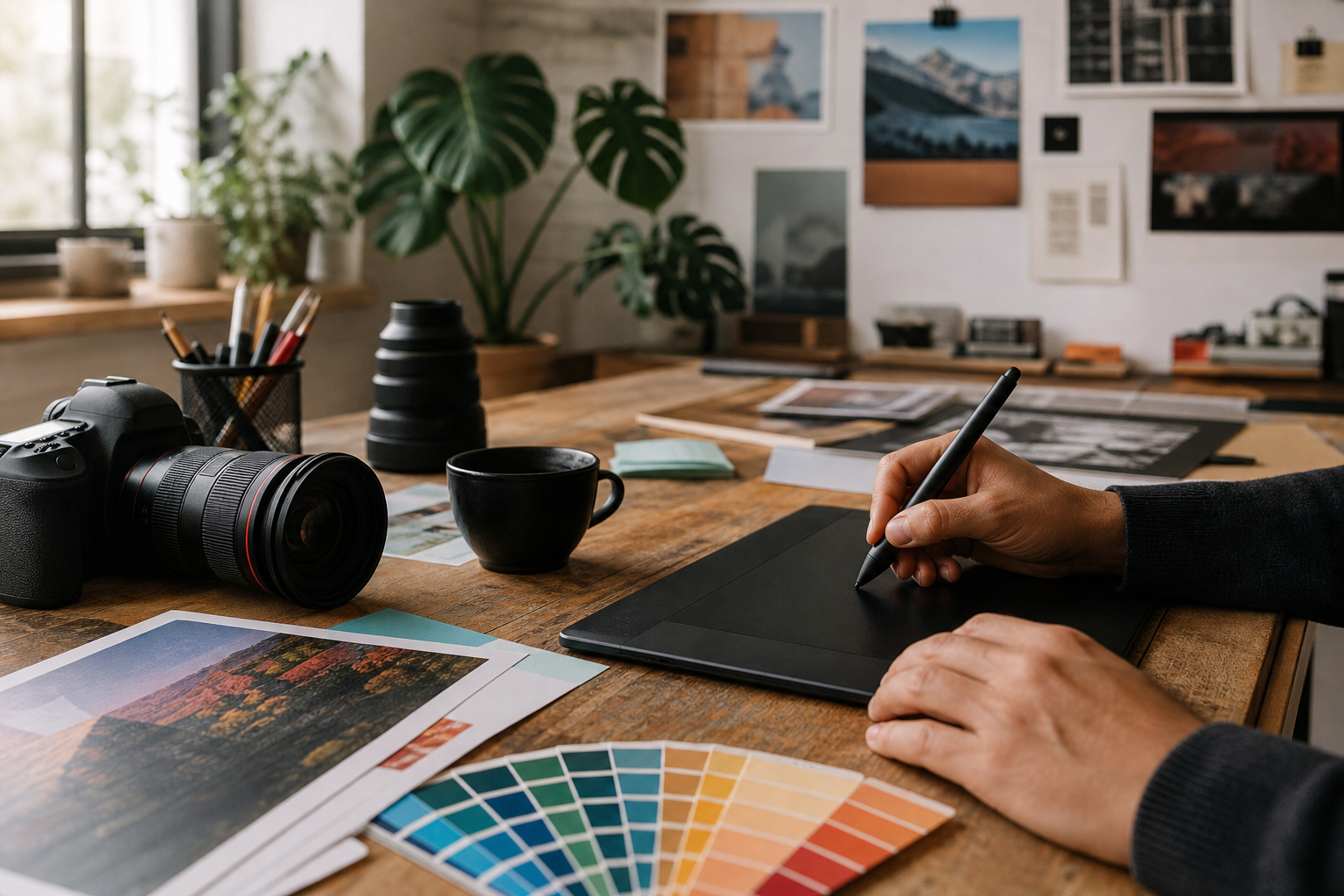
Designers and marketers who need Photoshop-style PSD editing without installing desktop software can work directly in a browser. Resize, crop, retouch, or add text to photos for social posts and presentations. Open client-supplied PSD, AI, SVG, PDF, RAW, or other graphics files on a computer that lacks specialized apps. Remove a background or generate replacement image content using built-in AI tools. Create quick product images, banners, icons, or promotional graphics for a small business.
Layer-based editing, masks, blending, adjustment layers, channels, paths, smart objects, layer styles, filters, liquify, puppet warp, vector editing, RAW photo handling, background removal, generative replacement, and broad import/export support including PSD, PNG, JPG, SVG, PDF, AI, WEBP, TIFF, HEIC, AVIF, and many more formats.
Technical Notes
- Photopea links to an API, indicating documented integration options for controlling or embedding the editor from other applications.
Alternative listings
- Underrated Web Tools
GoPDFTools is a browser-based collection of utilities for editing, converting, and optimizing PDF and image files. It includes tools for merging and splitting PDFs, compressing documents and images, converting between image formats, signing PDFs, and exporting PDF pages as images, with many tasks handled locally in the browser.
0 votesVisit site - Underrated Web Tools
iLoveIMG is a browser-based toolkit for common image editing and conversion tasks. It supports bulk actions such as compressing, resizing, cropping, rotating, format conversion, watermarking, background removal, face blurring, and simple photo edits without requiring desktop software.
0 votesVisit site

Similar sites elsewhere
- Pixlr — pixlr.com
- Adobe Photoshop — adobe.com/products/photoshop.html
- GIMP — gimp.org
- Krita — krita.org
1 of 4