Drawora
A private browser sketchpad with layers and watermark-free PNG export.
Drawora is a free drawing editor that runs in the browser for sketching, doodling, simple diagrams, and digital art. It includes brushes, shapes, layers, text templates, autosave, undo/redo, zoom controls, and PNG export, with drawings kept locally rather than stored in an account or cloud workspace.
Why it stands out
- Works without signup, downloads, or cloud storage for the web version.
- Local-only storage is emphasized for users who do not want artwork uploaded to a service.
- Combines casual sketching tools with practical editor features like layers, opacity, grid, and shortcuts.
- PNG exports are available without watermarks despite the tool being free.
- Desktop builds are offered for Windows and Linux in addition to the web editor.
Good to know
- Drawings are stored locally, so clearing browser data or switching devices may make work unavailable unless exported or otherwise saved.
- Export is described as PNG-only; users needing editable vector, PSD, or layered project formats may need another tool.
- The desktop app is listed for Windows and Linux, with no macOS version mentioned.
- No account or cloud workspace also means it is not positioned as a cross-device collaboration tool.
Photos
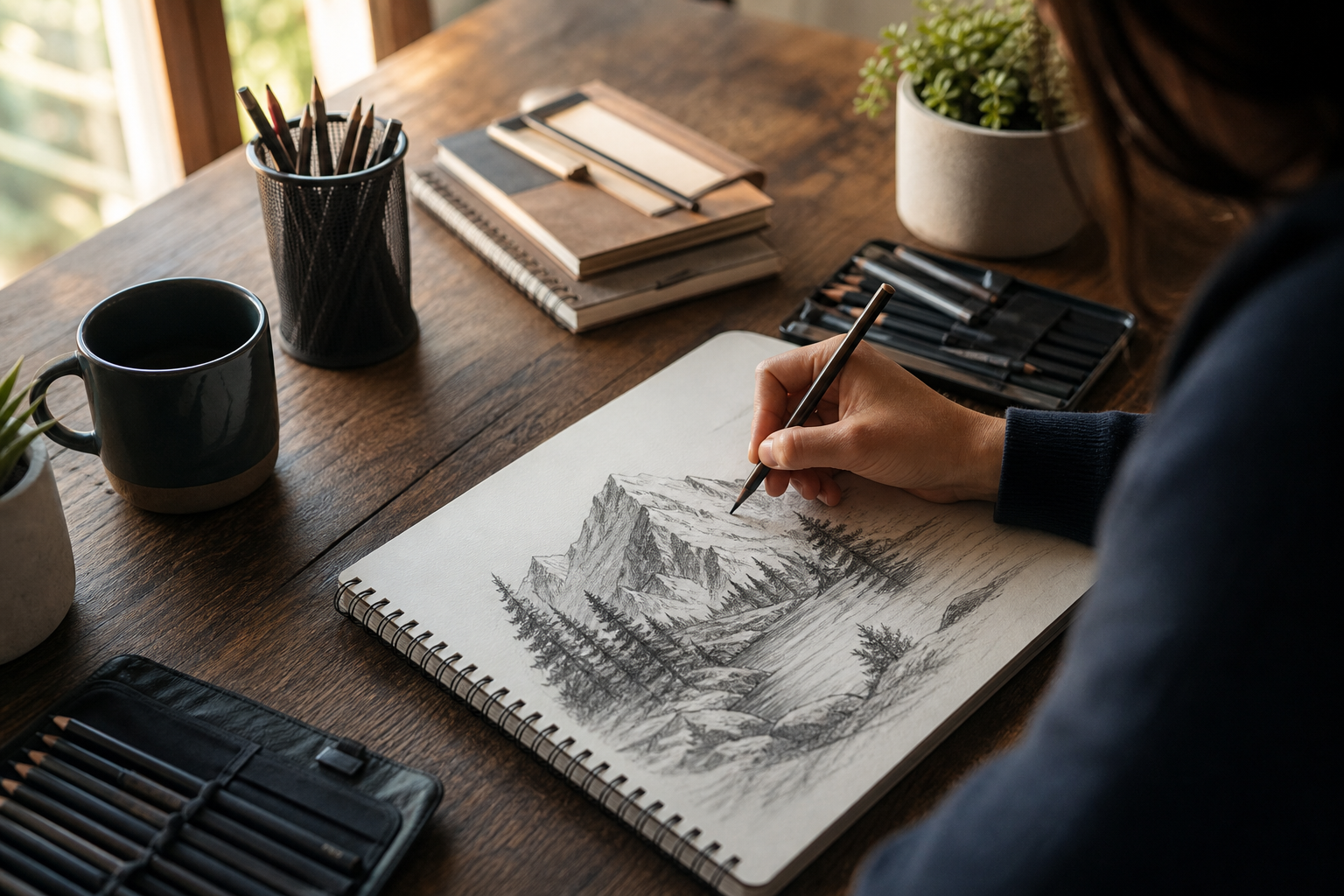
Students, hobby artists, and casual creators can make quick drawings without installing software or creating an account. Sketch a concept, annotation, or classroom illustration directly in a browser. Build simple compositions using layers, opacity, text templates, and preset shapes. Export a finished drawing as a clean PNG for sharing or reuse. Use the Windows or Linux desktop version when a browser-only workflow is inconvenient.
Browser-based canvas editor; 40+ preset shapes; smooth, rough, and dotted brush styles; layer visibility, lock, and opacity controls; 70+ text templates; autosave every 30 seconds; 50-step undo/redo; grid overlay; zoom and pan; keyboard shortcuts; PNG export without watermarks; optional desktop app for Windows and Linux.
Alternative listings
Interactive kids’ coloring pages with printable patterned fills.
EducationScrapColoring offers browser-based coloring pages for children, with themes such as animals, fairy tales, vehicles, greeting cards, and seasonal drawings. Instead of only filling areas with flat colors, users can apply gradients, papers, fabrics, textures, and other patterns, then print finished pages or use them as online activities.
0 votesVisit siteA browser sketchpad for making hand-drawn GIFs with animated strokes.
EducationWigglypaint is a free web drawing tool built around brushes whose lines move after you draw them. It lets users doodle on a canvas, adjust colors and marker sizes, erase or undo changes, crop the canvas, and export the result as an animated GIF. Optional account-based features add cloud project saving, palette storage, and community sharing.
0 votesVisit site
Similar sites elsewhere
- Kleki — kleki.com
- Sketchpad — sketchpad.app
- JS Paint — jspaint.app
- Magma — magma.com
1 of 4