Wigglypaint
A browser sketchpad for making hand-drawn GIFs with animated strokes.
Wigglypaint is a free web drawing tool built around brushes whose lines move after you draw them. It lets users doodle on a canvas, adjust colors and marker sizes, erase or undo changes, crop the canvas, and export the result as an animated GIF. Optional account-based features add cloud project saving, palette storage, and community sharing.
Why it stands out
- Focuses on animated lines rather than static sketching, so even simple doodles can become shareable loops.
- Exports directly to GIF, preserving the motion without needing a separate animation tool.
- Works in the browser across desktop, tablet, and phone screens.
- Includes sound feedback for strokes, giving it a toy-like creative feel distinct from conventional paint apps.
- Optional cloud projects and palette saving support moving between devices.
Good to know
- Export is centered on animated GIFs; the page does not describe broader professional export formats.
- It is designed for playful doodles and animated sketches, not precise vector illustration or advanced image editing.
- Cloud saving, palette sync, and community posting appear to require account-based use, unlike basic local drawing.
Under the radar: Use the crop tool right before exporting so the saved GIF frames the drawing tightly instead of including the full blank canvas.
Photos
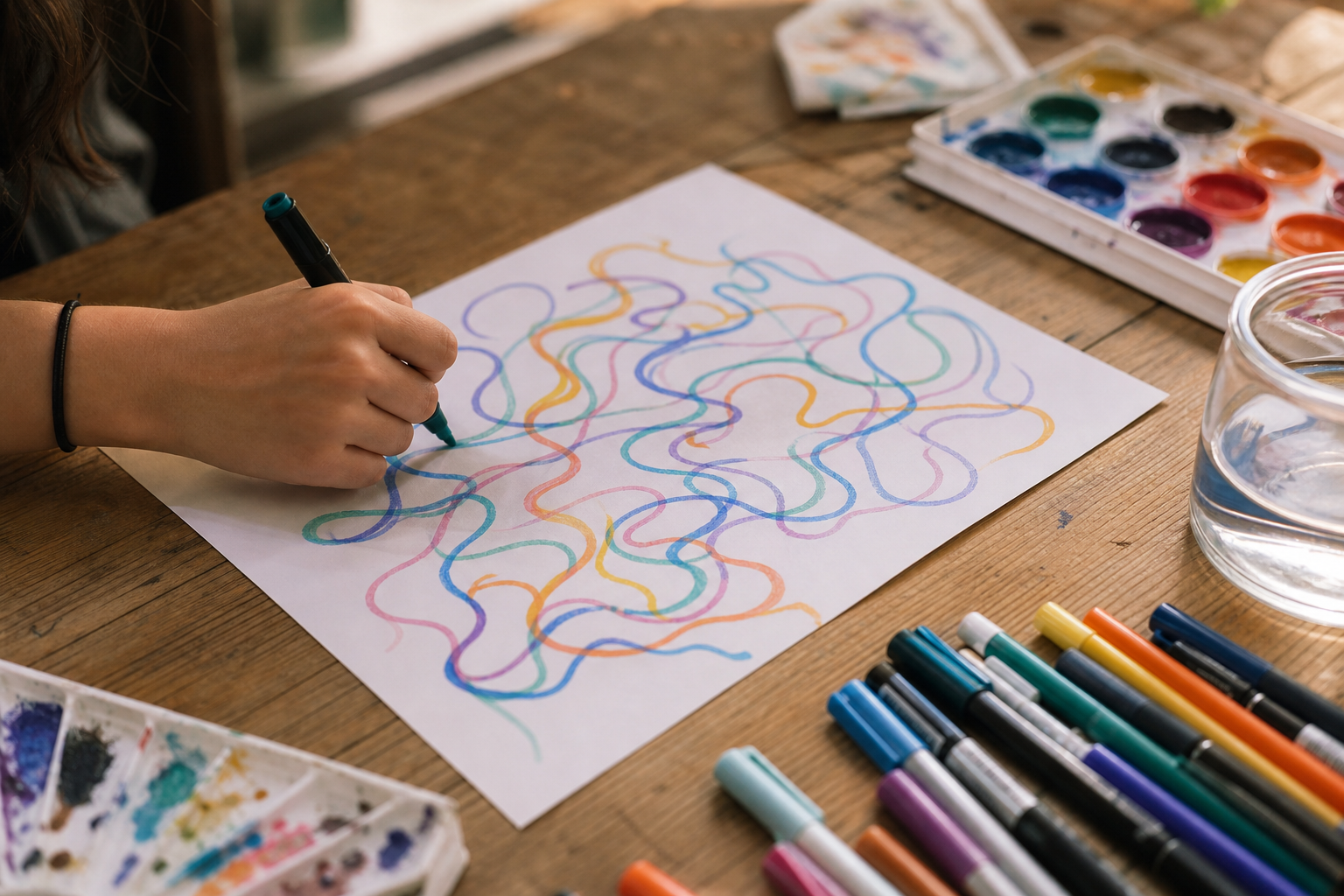
Casual artists, students, and social-post creators can make quick animated doodles without learning a full animation app. Create a looping reaction GIF or playful illustration for a post or personal site. Experiment with different animated brush textures, colors, and marker sizes. Save a work-in-progress to the cloud and continue it later on another device. Browse community examples when you need a prompt for what to draw next.
Animated brush strokes; multiple basic, color, and texture markers; brush size control; eraser, clear, and undo tools; GIF export; crop tool; background and palette options; fullscreen drawing mode; cloud-saved palettes and projects; community browsing and artwork posting.
Alternative listings
Interactive kids’ coloring pages with printable patterned fills.
EducationScrapColoring offers browser-based coloring pages for children, with themes such as animals, fairy tales, vehicles, greeting cards, and seasonal drawings. Instead of only filling areas with flat colors, users can apply gradients, papers, fabrics, textures, and other patterns, then print finished pages or use them as online activities.
0 votesVisit siteA private browser sketchpad with layers and watermark-free PNG export.
EducationDrawora is a free drawing editor that runs in the browser for sketching, doodling, simple diagrams, and digital art. It includes brushes, shapes, layers, text templates, autosave, undo/redo, zoom controls, and PNG export, with drawings kept locally rather than stored in an account or cloud workspace.
0 votesVisit site
Similar sites elsewhere
- Kleki — kleki.com
- JS Paint — jspaint.app
- Sketchpad — sketch.io/sketchpad
- Piskel — piskelapp.com
1 of 5