Orca
Verified working Oct 7, 2026
A GNOME screen reader for speech and braille access on open desktops.
Orca is an open source screen reader that makes graphical Linux and other free desktop environments usable through configurable speech and braille output. It is part of the GNOME ecosystem and works with applications that expose accessibility information through AT-SPI.
Why it stands out
- Built specifically around the accessibility infrastructure used by GNOME, KDE, and other free desktops.
- Supports both speech and braille rather than treating braille as an afterthought.
- Open development model with public source code, issue tracking, and contributor documentation.
- Highly configurable through preferences and keyboard command customization.
Good to know
- Application support depends on the app or toolkit exposing accessibility data through AT-SPI.
- The project is aimed at free/open desktop environments, not Windows, macOS, or mobile platforms.
- New users may need to spend time with the preferences and keyboard command documentation to tune it for daily use.
Photos
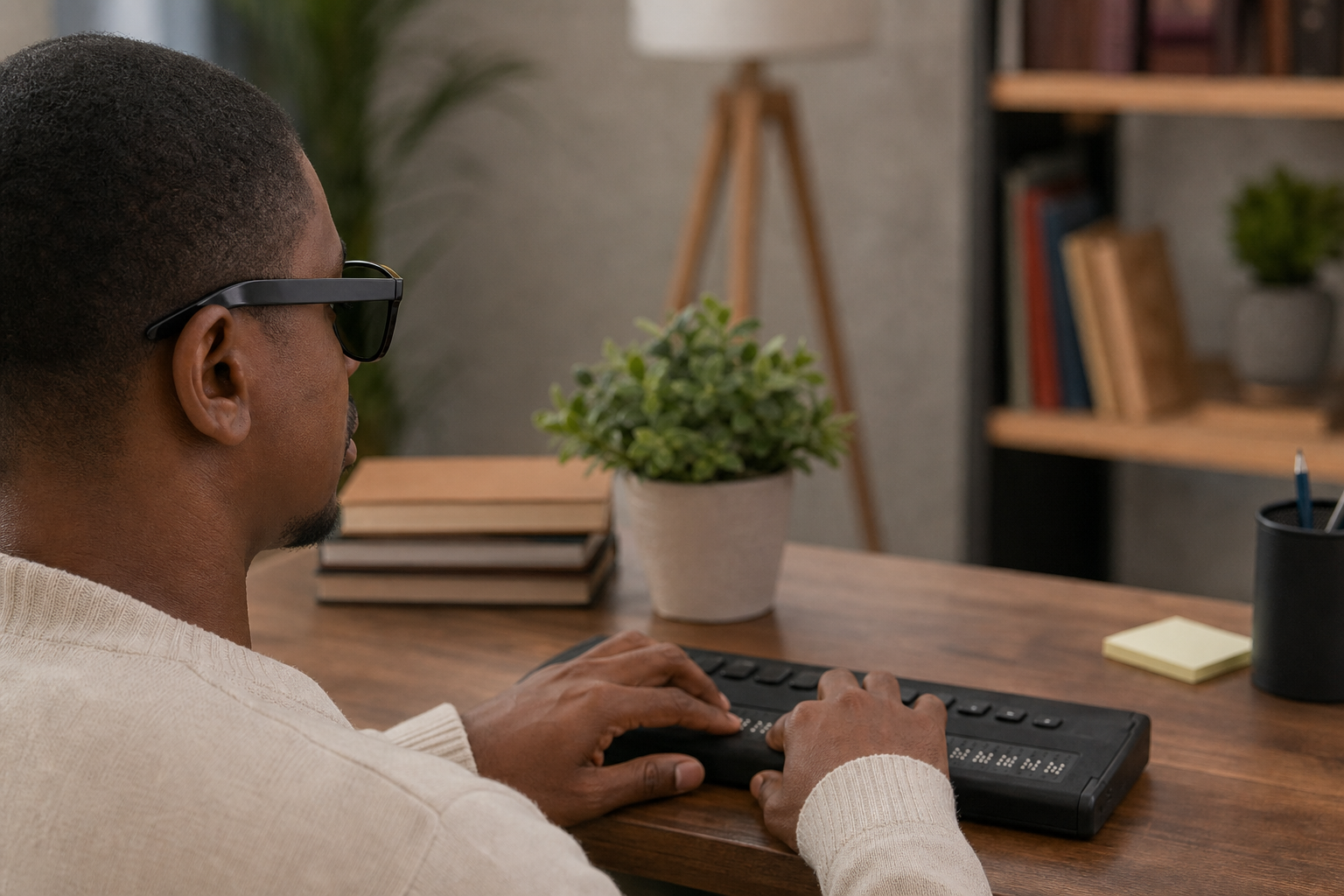
Blind and low-vision Linux desktop users can use Orca to navigate compatible graphical applications with speech or braille feedback. Configure keyboard commands and preferences for day-to-day desktop navigation. Use braille output alongside speech for coding, writing, or system administration workflows. Report bugs, review source code, or contribute to accessibility work through GNOME GitLab and community channels.
Speech and braille output; user-customizable command combinations; preferences GUI; documented keyboard commands; integration with AT-SPI-enabled applications and toolkits; public source code, issue tracker, and mailing list.
Alternative listings
Built-in Windows tools for vision, hearing, mobility, and focus needs.
Accessibility & assistive technology resourcesMicrosoft’s Windows 11 accessibility page explains the assistive features included in the operating system and links to support guides for using them. It covers tools for screen reading, magnification, color and contrast adjustment, captions, speech control, input alternatives, and learning-related needs.
0 votesVisit siteProduct-specific accessibility guidance across Google apps and devices.
Accessibility & assistive technology resourcesGoogle Accessibility Help is Google’s central support hub for using accessibility features in its products. It organizes help articles for Android, Chrome, Google Docs and Drive, Gmail, Meet, Chromebook, YouTube, Pixelbook, Pixel Slate, and other Google services, alongside options for community help and disability support contacts.
0 votesVisit site
Similar sites elsewhere
- NV Access — nvaccess.org
- Freedom Scientific JAWS — freedomscientific.com/products/software/jaws
- Dolphin ScreenReader — yourdolphin.com/en-gb/screenreader
1 of 3