
WebInSight
Verified working Oct 7, 2026
An archived UW research hub on early web accessibility tools.
WebInSight is a University of Washington research project archive focused on barriers to web access and technologies meant to reduce them. The site documents several accessibility projects, including a web-based screen reader, tools for evaluating image alternative text, and studies with blind web users.
Why it stands out
- Documents multiple related accessibility research prototypes from one academic group rather than a single tool.
- Includes early work on browser-based screen reading, accessibility scripting, in-situ user studies, and alt-text evaluation.
- Useful as a historical reference for the evolution of web accessibility research in the 2000s.
- Hosted by a university computer science department, with named researchers and publication links for citation trails.
Good to know
- The page explicitly says it is archival and no longer actively maintained.
- Some information, standards references, and linked resources may be outdated.
- The archive may not meet current or future WCAG accessibility standards.
- The project scope is historical research, not a current accessibility service or actively supported product.
Under the radar: If you need citable details rather than brief project summaries, start with the Publications section; it is more likely to provide durable research context than the dated event notes.
Photos
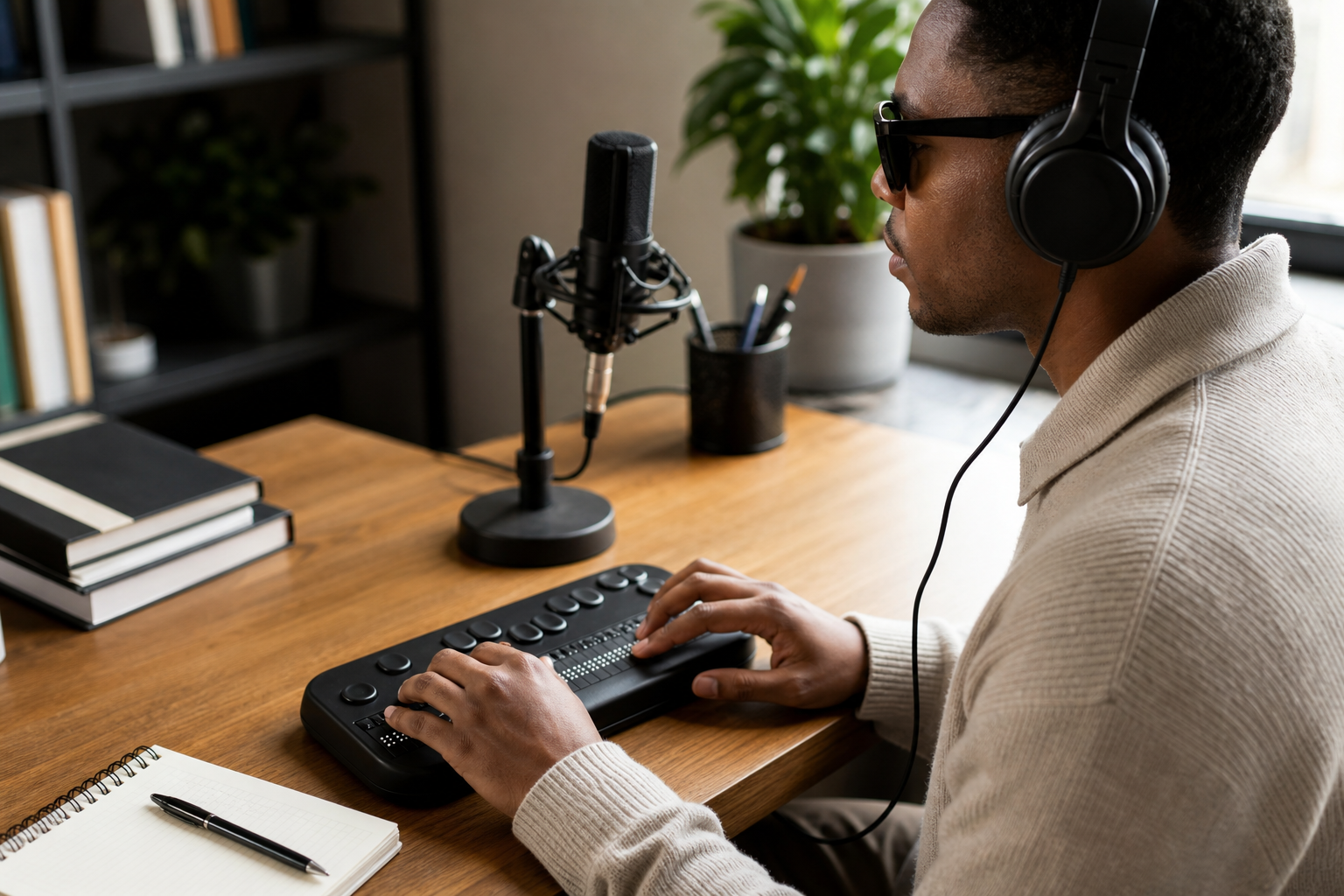
Accessibility researchers studying mid-2000s web access work can trace UW projects on screen readers, alt text, and blind-user studies. Find historical background on WebAnywhere, Accessmonkey, WebinSitu, and WebEval. Locate related presentations, publications, and project team information. Review early research approaches to image accessibility and user-centered accessibility testing.
Project overviews for Accessmonkey, WebAnywhere, WebinSitu, and WebEval; links to presentations, publications, and people; historical event notes; context on NSF-supported web accessibility research at the University of Washington.
Alternative listings
Built-in Windows tools for vision, hearing, mobility, and focus needs.
Accessibility & assistive technology resourcesMicrosoft’s Windows 11 accessibility page explains the assistive features included in the operating system and links to support guides for using them. It covers tools for screen reading, magnification, color and contrast adjustment, captions, speech control, input alternatives, and learning-related needs.
0 votesVisit siteProduct-specific accessibility guidance across Google apps and devices.
Accessibility & assistive technology resourcesGoogle Accessibility Help is Google’s central support hub for using accessibility features in its products. It organizes help articles for Android, Chrome, Google Docs and Drive, Gmail, Meet, Chromebook, YouTube, Pixelbook, Pixel Slate, and other Google services, alongside options for community help and disability support contacts.
0 votesVisit site


Similar sites elsewhere
- WebAIM — webaim.org
- W3C Web Accessibility Initiative — w3.org/WAI
- WAVE Web Accessibility Evaluation Tool — wave.webaim.org
- The A11Y Project — a11yproject.com
1 of 2